Ben Dunkle’s Blog

You might also want to check out
Field 2, my design consultancy | My teaching website

Jun 5th
2013

Posts to facebook and twitter

I’m researching plugins that will auto-post to FB and Twitter accounts. Most plugins force you to create facebook “apps” to do the FB thing, a process that I despise. This one is called “social”, and it apparently doesn’t require an app.  I’ll report my findings at the next Buffalo WordPress Users meetup tomorrow evening. If you haven’t joined the meetup group yet, what are you waiting for? It’s free! http://www.meetup.com/Buffalo-Wordpress/

Jun 5th
2013

Dirty Shrimp Risotto Recipe

Made this last night, easy and quick, mmm. This is a great way to cook shrimp as it’s hard to overcook them, and they absorb all the flavors of the rice. I call it “Dirty” rice because this batch ended up with a nice grey-brown color, but YMMV…

Ingredients:

  • 1 bag frozen, EZ-Peel shrimp, 24-30 count (preferable western hemisphere like Belize)
  • 1 cup rice (I used Jasmine, anything should work)
  • 2 cups chicken stock
  • 2 tbsp white wine
  • 1 peeled carrot
  • 1/2 peeled red onion
  • 3-4 cloves peeled garlic
  • 1 stalk celery
  • 1 Jalapeño pepper
  •  2 tsp. black peppercorns
  • 1 tsp.  caraway seeds
  • 1 tsp. sea salt
  • 1 tsp. ground cayenne pepper
  • 2 tbsp. oil of your choice

Rinse the shrimp briefly under cold water and allow to thaw. The bag says run continuously under cold water until thaw. Great advice;  way to conserve water. When they’re ready, peel off and chuck the skins.

Dice the veggies into small pieces.

Mortar/pestle the spices into a coarse mixture.

Heat up the oil in a heavy pot on medium-low heat. Let the oil get really hot, then throw in the veggies. Stir them until they caramelize.

Pour in white wine to de-glaze. Add rice and continue stirring until wine is absorbed and stuff starts to sizzle again.

Pour the chicken broth slowly, a little at a time, stirring continuously, over a 15-18 minute period. Test the rice occasionally, it should get tender yet firm, creamy and maybe a little crunchy.

Turn heat on low, toss in the shrimp, and cover for 5 minutes.

Serves 4.

May 29th
2013

The Paper Lady

the-paper-lady

May 17th
2013

Need to design a tutorial framework

There is a huge need for something that would make it easy to design tutorials. As I see it, a tutorial is a step by step document leading the viewer toward completion of a goal, whether it be the design of a graphic, a game, some code, or any process realting to graphic and web design.

The system I envision would present the author with a series of nodes that could be text, image, or video. Text would be written instructions/links, Image would be drag and drop or upload from computer, Video would be screen capture-either a selected window or the entire screen.

The tool would allow authors to create tutorials as needed, store them, present them, password-protect them, even sell them.

The biggest issue with tutorials is that they are difficult to make and wildly inconsistent-two tutorials on the same subject can contain a completely different structure. This tool would  make it easy and establish a framework for tutorials.

Discount
Cheap Windows 7 Ultimate
Windows 7 Ultimate
Discount Adobe Creative Suite 6 Master Collection
Cheap Adobe Creative Suite 6 Master Collection
Sale Adobe Creative Suite 6 Master Collection
Microsoft Office 2010 Professional Plus
Discount Microsoft Office 2010 Professional Plus
Buy Microsoft Office 2010 Professional Plus

May 16th
2013

Lawn Mower Sketch

mower

Discount
Buy Windows 7 Ultimate
Discount
Adobe Creative Suite 6 Master Collection
Discount Adobe Creative Suite 6 Master Collection
Cheap Adobe Creative Suite 6 Master Collection
Microsoft Office 2010 Professional Plus
Sale Microsoft Office 2010 Professional Plus
Cheap Microsoft Office 2010 Professional Plus

Apr 17th
2013

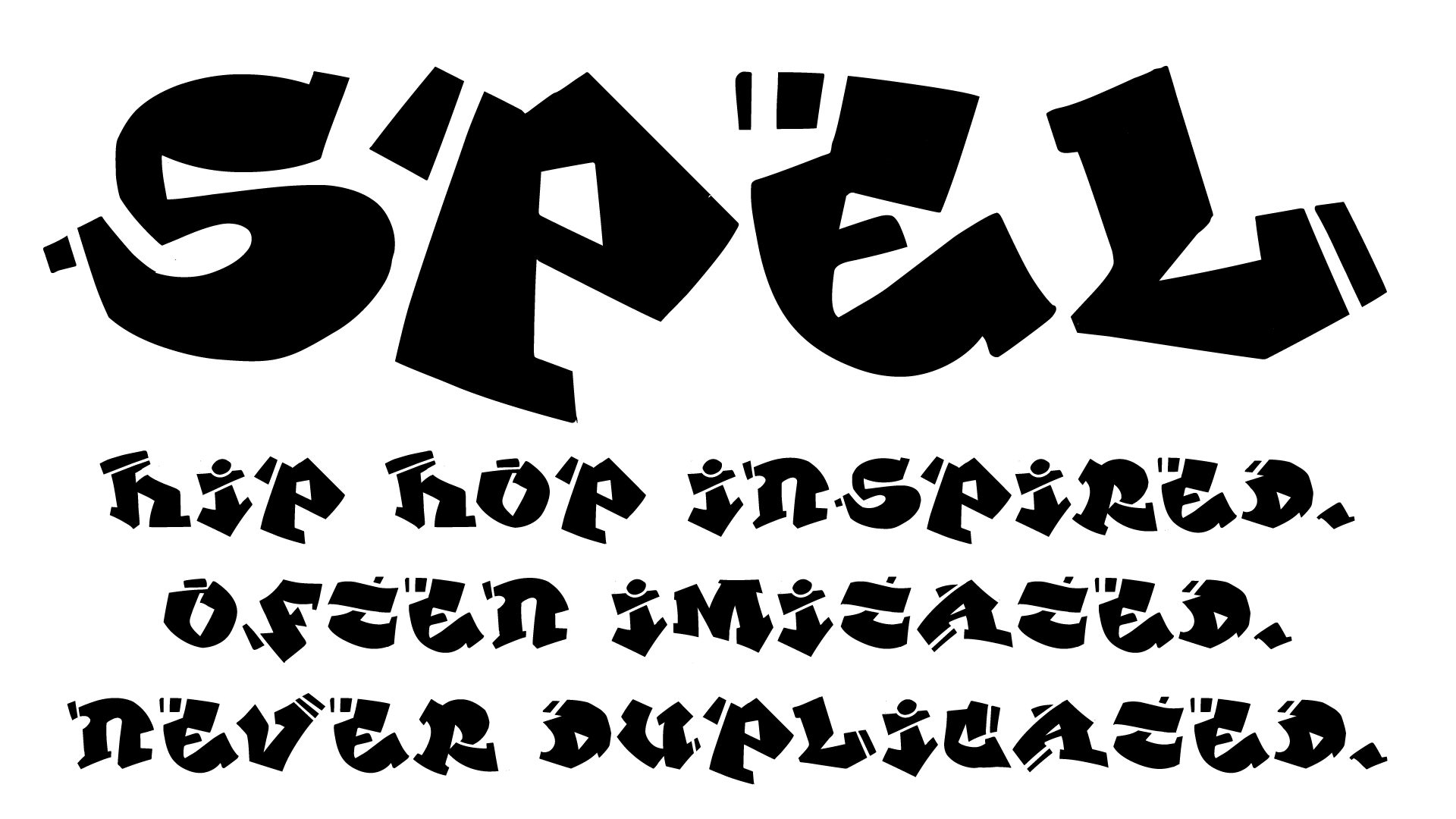
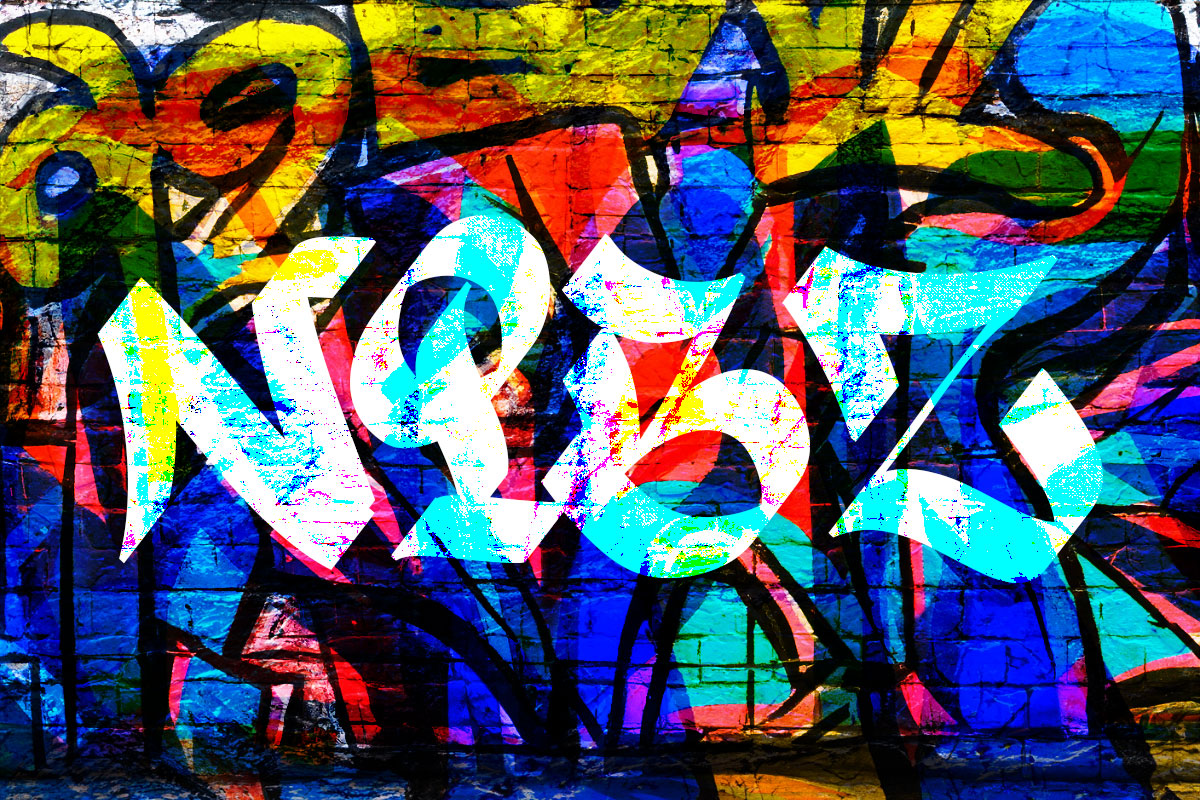
Making hand drawn fonts with a tablet, Adobe Illustrator and Glyphs Mini

Watch a video explaining my process for making hand drawn fonts with Adobe Illustrator CS6, Glyphs Mini and my bamboo tablet:


The finished product:

quickworms

You can download the font here:

https://github.com/field2/quickworms


Discount
Cheap Windows 7 Ultimate
Buy Windows 7 Ultimate
Windows 7 Ultimate
Sale Adobe Creative Suite 6 Master Collection
Discount Adobe Creative Suite 6 Master Collection
Microsoft Office 2010 Professional Plus
Order Microsoft Office 2010 Professional Plus
Microsoft Office 2010 Professional Plus

Mar 15th
2013

Designing Dashicons

The dashicons font created for the mp6 plugin has pretty much taken up all of my time the last few weeks. This even with help from Mel Choyce, Joen Asmussen and the rest of the WP design team.

There are quite a few resources on how to do this, but most of the ones I’ve read, although I’m sure worked for some, went against a few of my own design principals. So I set out to find the perfect workflow for me, and here it is.

When I design icons in Photoshop (AP),  the end goal is a png sprite. Using a split window, I can zoom in on one window and see the actual size icon in the other. I can click on an anchor point and nudge it with the arrow keys, getting sub-pixel placement just right and having absolute control over the end product.

The move to vector as the final source has been really weird and challenging. In Illustrator, vectors don’t anti-alias the same was as they do in Photoshop. That is, if you draw a rectangle with the edges half-way between the edges of a pixel, in Photoshop, you might get a different grey value than if you did that in Illustrator (AI). And pixel snapping is inconsistent. I would copy/paste a shape from AP to AI, and  my perfectly sharp edges would become fuzzy, even though the paths were exactly in the same place. If I click/dragged an anchor over a pixel, then dragged it back, it would become sharp again. Very weird.

The tutorials I read through, https://github.com/blog/1135-the-making-of-octicons and http://glyphsapp.com/blog/importing-from-illustrator/ were really helpful, but as I said earlier, there are fundamental flaws with those workflows, at least as far as I’m able to incorporate them into mine. For some reason, 16×16 is this imposing number that icon designers hold sacred. It’s a good target, but it really does overly constrain design. I decided 20×20 was a much easier canvas to work within, and as long as I left a pixel or two breathing room around the icons, they look great in a 16×16 space-not too big, but not leaving out important details in the name of absolute limits. I also got nervous when scanning through the article at all the weird numbers: 2048, 2052, -17something. Do we really need all those complex numbers? As for the glyphsapp.com article, while trying to draw directly in Glyphs may be the best way, it’s gonna be tough to put aside my AI experience to learn a new method for drawing vectors until I have lots of time on my hands.

After trying all sorts of settings, I came to the conclusion that 20x20pixel icons should be designed in a 2000×2000 upm font. The glyphs article points out that 1 ai point=1 glyphs unit. So I worked in points.

Another oddity was the Glyphs vs Glyphs Mini (GM) inconstancies. Joen Asmussen, who I can’t thank enough for all his help on this, designed the icon font you see at WordPress.com, using GM and following the octicons article pretty closely. I had a trial version of Glyphs, but decided to spring for GM for the sake of consistency. Although I started the font in Glyphs, bringing it into GM was an eye opener. The major issue was that GM doesn’t allow you to change the font’s UPM settings; so when I opened the .glyphs file I created in Glyphs, I was stuck with the 1000 upm I was originally working with. When I decided to try 2000 upm, so that it mapped more (theoretically) naturally with the 20pt x 20pt AI designs, my glyphs all got cut to 50% of their size. Resizing in glyphs was not something I wanted to learn how to do, so I returned my workflow to Glyphs.

Screenshots:

New AI file, 20pt x 20pt with points as units

New AI file, 20pt x 20pt with points as units

Keyboard increment set to 1/8th of a point, so I can nudge vectors between pixel edges as needed.

Keyboard increment set to 1/8th of a point, so I can nudge vectors between pixel edges as needed.

Gridline every 10pt, with 10 subdivisions

Gridline every 10pt, with 10 subdivisions

Snap to grid as needed

Snap to grid as needed

Select all your glyphs in Glyphs mini, set widths to 2000 upm

Select all your glyphs in Glyphs mini, set widths to 2000 upm

Choose font info in glyphs mini

Choose font info in glyphs mini

Ascender/caps height to 2000, giving you a perfect square for each glyph

Ascender/caps height to 2000, giving you a perfect square for each glyph

Icon drawn in AI, with a 20pt by 20pt box drawn around it as a bounding box

Icon drawn in AI, with a 20pt by 20pt box drawn around it as a bounding box

Scale it up to 2000x 2000, note the little chain lock ensuring proportional scaling

Scale it up to 2000x 2000, note the little chain lock ensuring proportional scaling

Copy the icon, Double-click a glyph in Glyphs Mini, Paste into the glyph window. Make sure the x/y/w/h are exactly as shown

Copy the icon, Double-click a glyph in Glyphs Mini, Paste into the glyph window. Make sure the x/y/w/h are exactly as shown

Double-click on the "bounding box" and delete it.

Double-click on the “bounding box” and delete it.

You can download the glyphs file, AI source file, and .otf here. Stay tuned for a video post.

Discount
Order Windows 7 Ultimate
Windows 7 Ultimate
Adobe Creative Suite 6 Master Collection
Order Adobe Creative Suite 6 Master Collection
Adobe Creative Suite 6 Master Collection
Buy Microsoft Office 2010 Professional Plus
Microsoft Office 2010 Professional Plus
Discount Microsoft Office 2010 Professional Plus

Feb 6th
2013

WP Icon font

I made a font out of the icons I’m proposing for future versions of WordPress. Here’s how I did it:

Designed them in AI CS6. Preferences set like this:

File handling preferences in AI

Note the copy as settings; apparently you need this so you can copy/paste into fontlab…

AI preferences

Gridline every 10px, w/10 subdivisions. Icons are based on a 10×10 grid. I made the color black so they’re easy to see.


snap settings

Make sure snap to grid and snap to point are turned on, and that you can see the grid.

Close up of a couple icons

Note the extra strokeless/fill-less 20x20px box around the icons. You need this to copy/paste into fontlab and not have them get scaled up.


Then I created a new font in Fontlab 5, with metrics set like this:

fontlab metrics Screen Shot 2013-02-06 at 9.02.30 AM

I copy/pasted each icon-the shape and the invisible bounding box- into a separate  glyph in fontlab. I tried to make it intuitive; “a” is appearance, “d” for dashboard. “p” was problematic; posts, pages both have p.

After I generated the otf file, I used @font-face to embed it on a test page. I set a base size to 62.5% and set the icons to 2.0em; effectively rendering them at their native 20×20 pixels. The key thing is the -webkit-font-smoothing:antialiased property in the css. Without it, they look like garbage. They pretty much look like garbage anyway in firefox/opera, and I have no clue how to get them in IE. But in webkit it’s gold.

I’m trying to get the whole thing on github since I guess that’s what you’re supposed to do, so stay tuned…


Sale Windows 7 Ultimate
Cheap Windows 7 Ultimate
Order Windows 7 Ultimate
Windows 7 Ultimate
Sale Adobe Creative Suite 6 Master Collection
Cheap Adobe Creative Suite 6 Master Collection
Discount Microsoft Office 2010 Professional Plus
Order Microsoft Office 2010 Professional Plus
Cheap Microsoft Office 2010 Professional Plus

Jan 23rd
2013

Animals from the back of my notebook

photo

Discount
Cheap Windows 7 Ultimate
Sale Windows 7 Ultimate
Buy Adobe Creative Suite 6 Master Collection
Cheap Adobe Creative Suite 6 Master Collection
Sale Adobe Creative Suite 6 Master Collection
Discount Microsoft Office 2010 Professional Plus
Microsoft Office 2010 Professional Plus

Jan 2nd
2013

Icon fonts

So I’m trying to see if it’s possible to use a font for icons on a site, as has been attempted by the likes of fontawesome and probably many others.

Prognosis to date: it doesn’t look good.

I drew a 16×16 pixel box in Illustrator CS6.

Copy/pasted it into the lower-case “a” glyph in Fontlab 5 (with metrics set to 800 upm).

Exported otf, css3′d it into a basic html file, typed a single “a” on the page, loaded the page in Chrome and Safari, and was disappointed.

Here’s what I wanted to see: A perfect, 16×16 pixel black square, no anti-aliasing, in all major browsers.

Here’s what I got:

chrome

Chrome rendering of a 16px by 16px square embedded into the “a” glyph


safari

Safari rendering of a 16px by 16px square embedded into the “a” glyph

Those ain’t perfect squares. They’re close, and the main dark part of the square is 16x16px, but there’s some major anti-aliasing going on.

It’s also funny to note how Chrome tints the edges with a more reddish hue than safari.

I’ll keep playing around, but webfonts for iconography aren’t looking very promising, at least as long as low-dpi screens are around.

[UPDATE 1-26-13] I’ll post on the effects of webkit font smoothing shortly, how that impacts this experiment, and what it means for other browsers…

Discount
Buy Windows 7 Ultimate
Sale Windows 7 Ultimate
Cheap Windows 7 Ultimate

Order Adobe Creative Suite 6 Master Collection
Discount Adobe Creative Suite 6 Master Collection
Cheap Microsoft Office 2010 Professional Plus
Discount Microsoft Office 2010 Professional Plus

Jan 1st
2013

Codekit icons

Looks like some of my ideas got implemented in the latest version of codekit. Not as crisp and clear as the ones I did though:

icons-actual

Sale Windows 7 Ultimate
Discount
Cheap Windows 7 Ultimate
Buy Adobe Creative Suite 6 Master Collection
Cheap Adobe Creative Suite 6 Master Collection
Buy Adobe Creative Suite 6 Master Collection
Discount Microsoft Office 2010 Professional Plus
Cheap Microsoft Office 2010 Professional Plus
Buy Microsoft Office 2010 Professional Plus

Nov 29th
2012

CodeKit icons

Here’s the latest:

icon files are here

codekit-icons


PSD here

icons


Buy Windows 7 Ultimate
Sale Windows 7 Ultimate
Discount

Order Adobe Creative Suite 6 Master Collection
Adobe Creative Suite 6 Master Collection
Cheap Microsoft Office 2010 Professional Plus
Buy Microsoft Office 2010 Professional Plus
Cheap Microsoft Office 2010 Professional Plus

Oct 19th
2012

CodeKit fan art

I really like CodeKit, but the icons leave a bit to be desires. So I fixed it up.

codekit icons

Discount
Cheap Windows 7 Ultimate
Discount
Sale Adobe Creative Suite 6 Master Collection
Buy Adobe Creative Suite 6 Master Collection
Cheap Adobe Creative Suite 6 Master Collection
Microsoft Office 2010 Professional Plus
Order Microsoft Office 2010 Professional Plus

Sep 6th
2012

I hate the LaCie logo

http://www.lacie.com/download/images/LaCie_logo_blue.jpg

ugh

Buy Windows 7 Ultimate
Order Windows 7 Ultimate
Sale Windows 7 Ultimate
Discount
Sale Adobe Creative Suite 6 Master Collection
Cheap Adobe Creative Suite 6 Master Collection
Microsoft Office 2010 Professional Plus
Order Microsoft Office 2010 Professional Plus

Aug 1st
2012

Themeitis

Why does everything have to be a theme?

Order Windows 7 Ultimate
Sale Windows 7 Ultimate
Buy Windows 7 Ultimate
Windows 7 Ultimate

Adobe Creative Suite 6 Master Collection
Sale Adobe Creative Suite 6 Master Collection
Buy Microsoft Office 2010 Professional Plus
Order Microsoft Office 2010 Professional Plus
Buy Microsoft Office 2010 Professional Plus

Jun 22nd
2012

Retina is a subjective term

I’m nearsighted and when I take my glasses off I can see pixels on a “retina” display clear as day.

Sale Windows 7 Ultimate
Discount
Order Windows 7 Ultimate

Discount Adobe Creative Suite 6 Master Collection
Order Adobe Creative Suite 6 Master Collection
Microsoft Office 2010 Professional Plus
Discount Microsoft Office 2010 Professional Plus
Buy Microsoft Office 2010 Professional Plus

Jun 5th
2012

SVG icon demo

Here’s two versions of the WordPress home icon that you see in the dashboard. Click here for demo

Buy Windows 7 Ultimate
Cheap Windows 7 Ultimate
Discount
Order Windows 7 Ultimate
Adobe Creative Suite 6 Master Collection

Discount Adobe Creative Suite 6 Master Collection
Sale Microsoft Office 2010 Professional Plus
Order Microsoft Office 2010 Professional Plus
Cheap Microsoft Office 2010 Professional Plus

May 25th
2012

Coda 2 review

Just bought Coda 2. First impression:
Apple store download took a while. Then I entered into some kind of OSX Lion spaces environment–weird, but maybe it’s because I don’t install stuff from the app store very often.
I opened it, and was prompted to jion the mailing list, which I did. The second checkbox, allowing me to sync with iCloud, was greyed-out, and I couldn’t check it. Weird.
I was prompted to import my transmit favorites. Yay! but I had to allow Coda to access my private credentials for each one. I have like 75 on this machine. So 75 clicks later, I finally imported all my transmit favorites. This could use some work, Panic.
Looking forward to playing with it today!

Buy Windows 7 Ultimate
Cheap Windows 7 Ultimate
Order Adobe Creative Suite 6 Master Collection
Cheap Adobe Creative Suite 6 Master Collection
Order Adobe Creative Suite 6 Master Collection
Buy Microsoft Office 2010 Professional Plus
Discount Microsoft Office 2010 Professional Plus
Buy Microsoft Office 2010 Professional Plus

Mar 1st
2012

Let's start using points.

Pixels are dying. Or rather, they’re riding off into the sunset. Retinal display is the thing, and today’s 1080p is tomorrow’s 640×480.

So as designers, we should stop designing in pixels, completely. We should start using points instead.

% and em are great, but they’re relative. So if you tell me something is 1 em wide, I have no idea how big that is. That’s why pixels are popular; they’re absolute. I have a clear idea as to how big a website is if it’s 960 px wide.

Or do I? In fact, px is a relative unit of measurement. It’s relative to the pixel density on the screen. And on a retinal display, pixels are theoretically invisible.

Print never had to deal with all this. Printers have always been able to render insanely small dots-much finer than the latest retinal screens can. Which is why points, or 1/72 of an inch, have always held sway. That and their older siblings, picas, or 12 points, or 1/6″ of an inch.

A point is a point is a point. If a website is 720 points wide, it’s 10″ wide. Period. And any device that renders it can check with its own screen density settings to figure out how many pixels it should use to render that site.

It would be great to see more designers using points and picas in their css. Of course, basing those units on a percentage of a centimeter instead of an inch would make even more sense, but it’s probably too late for that.

Order Windows 7 Ultimate
Sale Windows 7 Ultimate
Windows 7 Ultimate
Adobe Creative Suite 6 Master Collection
Discount Adobe Creative Suite 6 Master Collection
Order Adobe Creative Suite 6 Master Collection
Microsoft Office 2010 Professional Plus
Cheap Microsoft Office 2010 Professional Plus
Sale Microsoft Office 2010 Professional Plus

Jan 26th
2012

Inside out learning

I’m going to be talking a lot about a concept that’s been brewing in my head lately: “Inside out learning”…stay tuned…

Buy Windows 7 Ultimate
Sale Windows 7 Ultimate
Cheap Windows 7 Ultimate
Cheap Adobe Creative Suite 6 Master Collection
Adobe Creative Suite 6 Master Collection
Order Adobe Creative Suite 6 Master Collection
Order Microsoft Office 2010 Professional Plus
Buy Microsoft Office 2010 Professional Plus
Order Microsoft Office 2010 Professional Plus

Older Posts »